Flag Lifecycle Management
Best practices for the complete lifecycle of a feature flag, from creation to cleanup.
Feature flags are meant to be temporary. Without proper lifecycle management, flags accumulate as technical debt, making your codebase harder to understand and maintain. This guide covers the complete lifecycle of a feature flag.
The Flag Lifecycle
Every feature flag should follow this lifecycle:
flowchart TB
    A["Create<br/>(PR)"] --> B["Rollout<br/>(Gradual)"]
    B --> C["Stable<br/>(100%)"]
    C --> D["Cleanup<br/>(Remove)"]
Phase 1: Creation
When to Create a Flag
Create a feature flag when you need:
- Gradual rollout: Release to a percentage of users first
- Kill switch: Ability to disable a feature instantly
- A/B testing: Compare different implementations
- Beta access: Give specific users early access
- Operational control: Toggle behavior without deployment
Best Practices for Creation
// Good: Handles both states gracefully
function getCheckoutComponent() {
  if (flags.enableNewCheckout) {
    return <NewCheckout />;
  }
  return <LegacyCheckout />; // Still works
}

// Bad: Breaks when flag is off
function getCheckoutComponent() {
  if (flags.enableNewCheckout) {
    return <NewCheckout />;
  }
  // Returns undefined - breaks the app
}
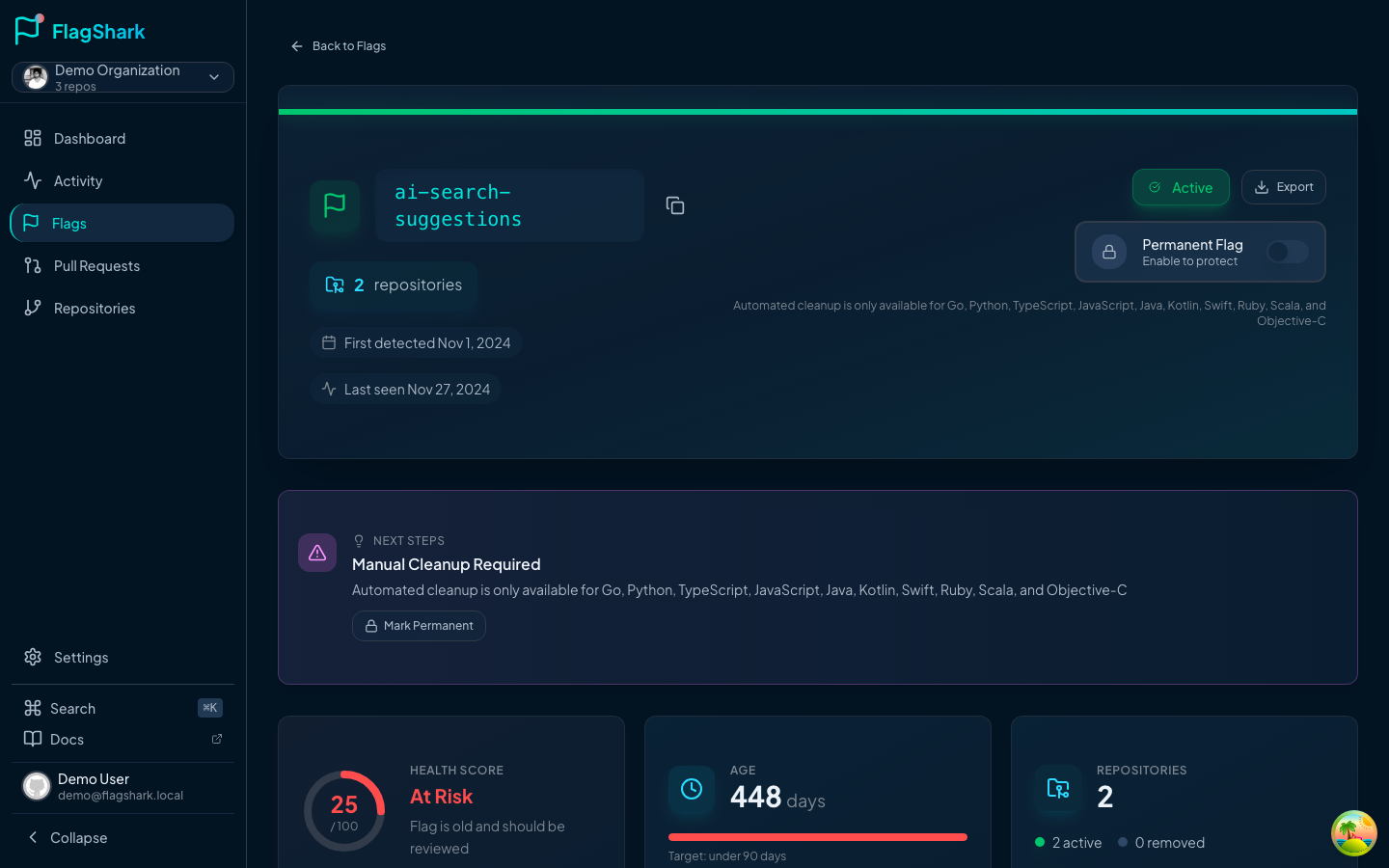
Creating in FlagShark
When you open a PR with a new flag:
Phase 2: Rollout
Gradual Rollout Strategy
Don't flip a flag to 100% immediately. Use a gradual rollout:
| Stage | Percentage | Duration | Purpose |
|---|---|---|---|
| 1 | 1-5% | 1-2 days | Catch critical bugs |
| 2 | 10-25% | 3-5 days | Monitor performance |
| 3 | 50% | 1 week | Validate at scale |
| 4 | 100% | - | Full rollout |
Monitoring During Rollout
Watch these metrics during rollout:
- Error rates: Compare flag-on vs flag-off users
- Performance: Page load times, API latency
- Business metrics: Conversion rates, engagement
- User feedback: Support tickets, feedback forms
Rolling Back
If issues arise, roll back by:
This is why flags exist - instant rollback without deployment.
Phase 3: Stable
Recognizing Stability
A flag is stable when:
- It's been at 100% for at least 1-2 weeks
- No rollback-worthy issues have occurred
- The feature is considered "launched"
- There's no ongoing A/B test or experiment
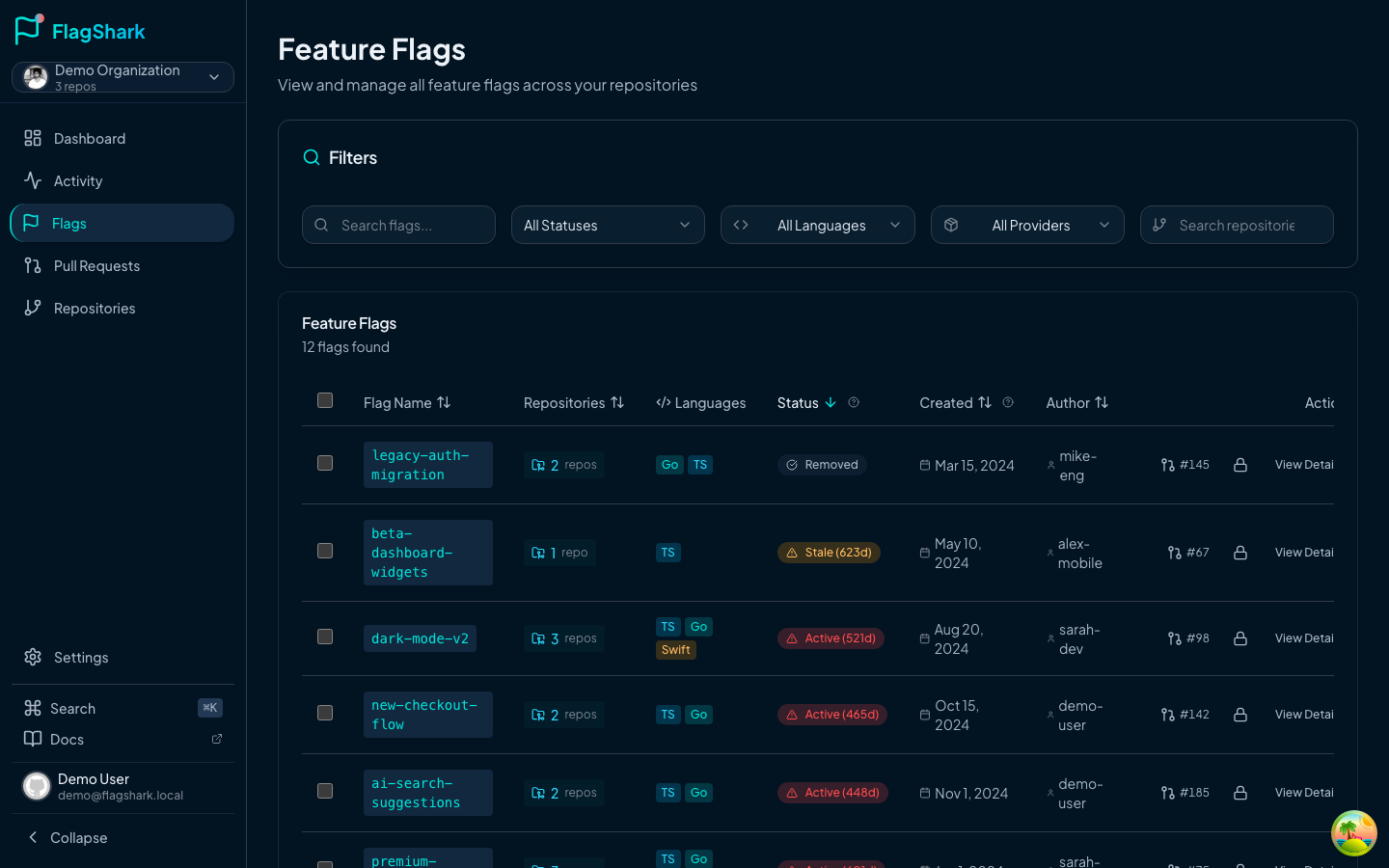
The Danger Zone
FlagShark helps identify these flags:
Phase 4: Cleanup
When to Clean Up
Clean up a flag when:
- It's been at 100% for 2+ weeks with no issues
- The experiment has concluded with a winner
- The kill switch is no longer needed
- The feature is being removed entirely
Cleanup Checklist
Manual Cleanup
To clean up a flag manually:
// Before cleanup
function renderHeader() {
  if (flags.enableNewNav) {
    return <NewNavigation />;
  }
  return <OldNavigation />;
}

// After cleanup (flag was enabled)
function renderHeader() {
  return <NewNavigation />;
}
Also remove:
- The flag evaluation
- The losing code path (OldNavigation)
- Any flag-specific tests
- The flag from your provider
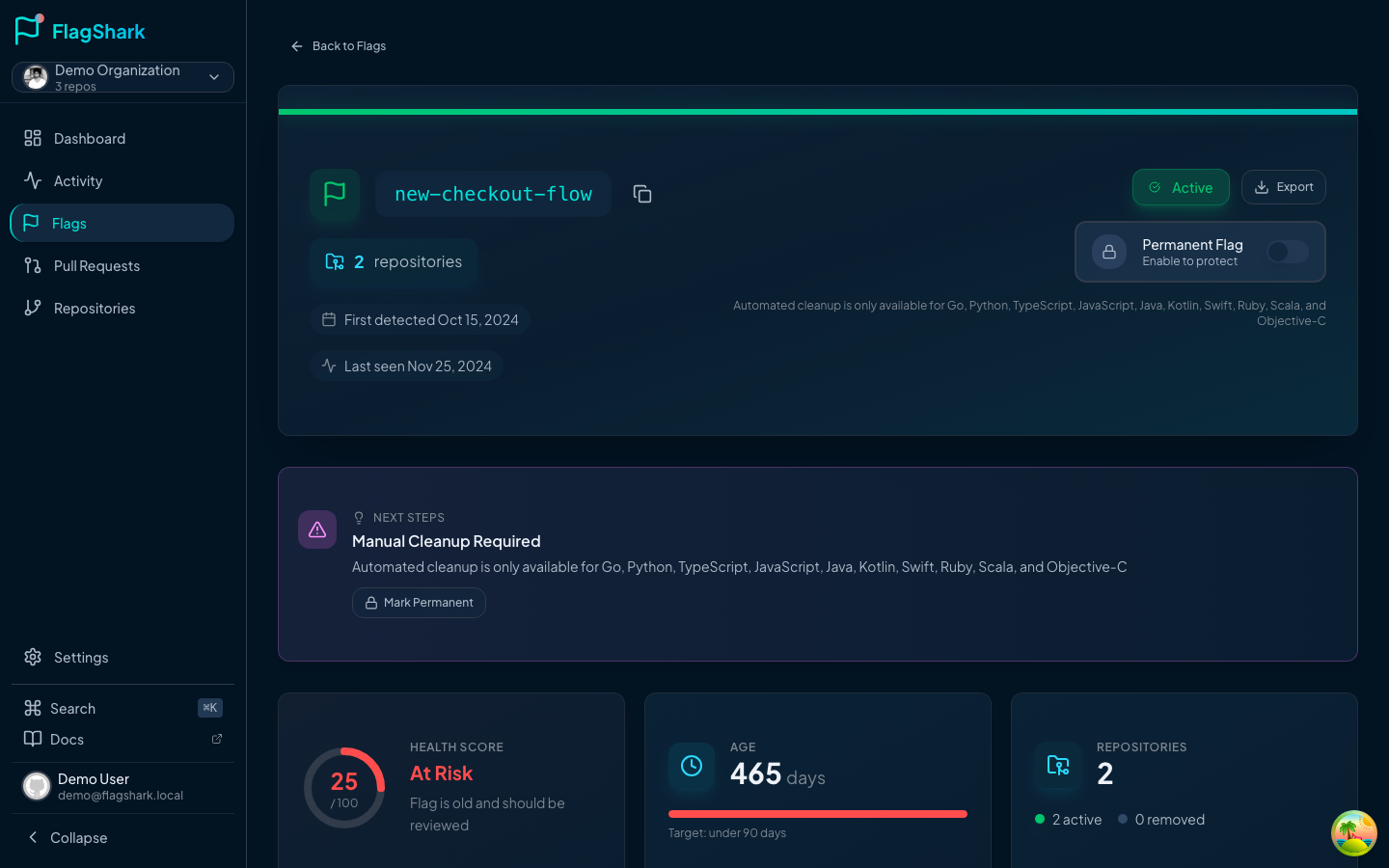
Automated Cleanup with FlagShark
FlagShark can generate cleanup PRs:
Managing Flag Debt
Regular Audits
Schedule monthly flag audits:
Setting Cleanup Reminders
When creating a flag, set a cleanup reminder:
// Add a comment with the cleanup date
// TODO(2024-03-15): Remove enable-new-checkout flag after full rollout
if (flags.enableNewCheckout) {
  // ...
}
FlagShark detects these comments and can remind you when the date passes.
Ownership
Assign clear ownership for each flag:
| Flag | Owner | Team | Cleanup Target |
|---|---|---|---|
enable-dark-mode | @sarah | Design | March 15 |
use-new-api | @mike | Platform | April 1 |
show-promo | @alex | Marketing | After campaign |
Flag Types and Lifecycles
Different flag types have different lifecycles:
Release Flags
- Lifespan: 2-4 weeks
- Cleanup: After successful rollout
Experiment Flags
- Lifespan: Duration of experiment (typically 2-8 weeks)
- Cleanup: After experiment concludes
Operational Flags
- Lifespan: Potentially permanent
- Cleanup: Only if the capability is no longer needed
Permission Flags
- Lifespan: Potentially permanent
- Cleanup: When access model changes
Metrics to Track
FlagShark provides these lifecycle metrics:
- Average flag age: How long flags live before cleanup
- Flags per repository: Total flag count
- Cleanup rate: How many flags are removed per month
- Stale flag count: Flags at 100% for 30+ days
Related Documentation
- Flag Naming - Naming conventions
- Cleanup PRs - Automated cleanup
- Activity Feed - Tracking flag changes